Hurry, don't miss savings on selected furniture & more.* Shop all offers
185 Products
Components: Your essential buying guide
Begin with the motherboard, processor compatibility, RAM type and case size, as these determine which other parts will fit. After that, compare graphics cards, cooling, storage, power requirements and any extras such as a sound card.
Check the motherboard socket, chipset, RAM generation, case form factor, graphics card clearance and cooling support. You should also consider connector types and available expansion slots before choosing parts.
A suitable graphics card, enough RAM and a compatible motherboard are key starting points for gaming. Cooling and case airflow also matter, especially if the system will be used for long sessions or performance-heavy games.
It depends on the age and compatibility of your current PC. A RAM or graphics card upgrade can be straightforward, but older systems may need a new motherboard, case or cooling solution to support newer components.
Check your case fan mounts, radiator support, CPU cooler height clearance and motherboard headers. Also consider whether you need general airflow improvements, a CPU cooler or additional case fans.
Showing 50 of 185
Choosing PC components is mainly about balancing compatibility, performance and upgrade potential. Use this guide to compare the main component categories and decide which parts are worth prioritising for your build or upgrade.
The motherboard sets many of the rules for your PC build, including processor support, RAM type, expansion slots and storage connections. Before comparing other components, check that the board supports the parts you already own or plan to buy.
Also consider the motherboard size. ATX, microATX and mini-ITX boards need a compatible computer case, and smaller boards may offer fewer slots for upgrades.
Graphics cards and RAM memory are common upgrade areas, but the best choice depends on how you use your PC. Gaming, creative software and multi-tasking can all benefit from different combinations of memory capacity and graphics performance.
Check physical clearance, slot requirements and power needs before choosing a graphics card. For RAM, match the correct generation and form factor for your motherboard.
A computer case is more than a shell for your components. It affects airflow, cable routing, drive support and how easy the system is to build or upgrade.
If you are fitting a larger graphics card, additional cooling or multiple storage drives, compare internal clearance and fan mounting options before you commit to a case.
Cooling helps keep components running within suitable temperature ranges. Everyday PCs may only need basic airflow, while gaming systems and performance builds can benefit from improved case fans or more capable CPU cooling.
Compare fan size, noise preferences, connector types and available mounting points. Make sure any cooler you choose fits your case and does not interfere with RAM or other components.
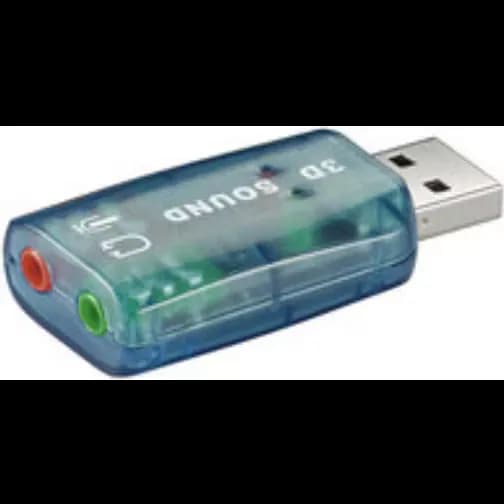
Some builds need extra features beyond the core components. A dedicated sound card can be worth comparing if you want specific audio connections or are building a PC for music, media or certain gaming setups.
Before adding expansion cards, check that your motherboard has a suitable free slot and that your case has enough space for installation.
Use our barcode scanner to match products instantly to find the best prices, find products with ease using our voice search and build wish lists and your favourites at the click of a button.